
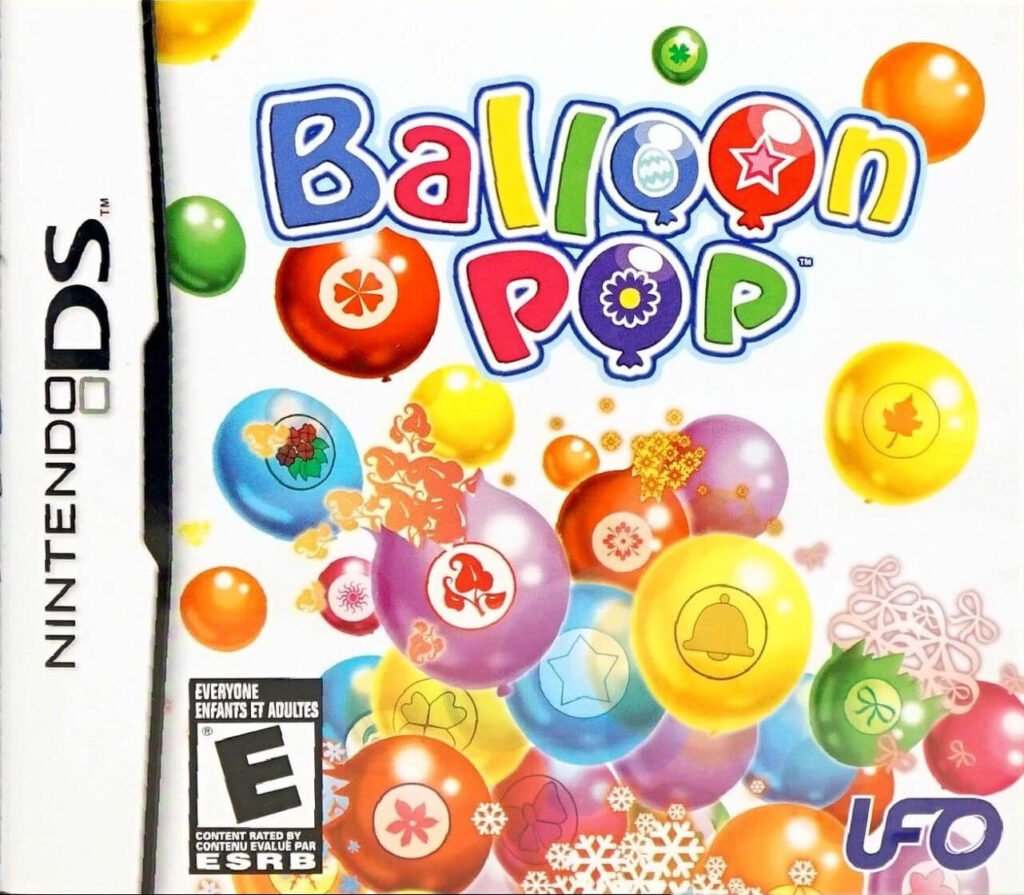
Download Balloon Pop NDS ROM for the Nintendo DS and enjoy fast-paced, colorful match-3 balloon-popping action right from your handheld or emulator. Developed by Dreams and published by UFO Interactive Games in April 2009, this vibrant arcade puzzle title challenges players to align rising balloons into chains before they overflow the screen.
Whether you are playing on original hardware with an R4 flashcart or running a Nintendo DS emulator on PC, Android, or iOS, getting started with the Balloon Pop NDS ROM takes just a few seconds.
About Balloon Pop
Adapted from the popular Wii puzzle release, Balloon Pop brings intuitive stylus controls and brisk chain-reaction gameplay to the dual-screen Nintendo DS. Swap adjacent balloons horizontally or vertically to trigger cascading combos, rack up high scores, and clear tricky board hazards. Key gameplay features include:
- Four Distinct Game Modes: Play through Story Mode against quirky opponents, solve brain-teasing layouts in Puzzle Mode, test your endurance in Endless Mode, or race the clock in Time Attack.
- Explosive Chain Combos & Special Balloons: Match four or more balloons to create bombs, rainbow wildcards, and line-clearing boosters that wipe out entire sections of the grid.
- Responsive Touchscreen Controls: Use the Nintendo DS stylus to quickly drag, swap, and pop balloons with pinpoint accuracy during high-speed rounds.
- Local Wireless Multiplayer: Challenge a friend in competitive head-to-head matches via DS Wireless Play.
ROM Technical Details & Compatibility
Before launching the Balloon Pop NDS ROM, verify the dump details below to ensure smooth performance on your preferred setup:
- Full Title: Balloon Pop
- Game ID: NTR-P-CBPE
- Region: USA (NTSC-U)
- Release Date: April 28, 2009
- File Format:
.nds(Unencrypted / Clean Dump) - Language: English
Note: This title relies heavily on rapid touchscreen input for swapping balloons, so ensure your emulator’s touch or mouse controls are active before starting.
How to Play Balloon Pop NDS ROM on Emulator or Flashcart
- Download the File: Click the download button on this page to save the compressed archive to your device.
- Extract the
.ndsFile: Unzip the archive using 7-Zip, WinRAR, or your device’s built-in file manager to extract theBalloon Pop.ndsfile. - Load on Emulator or Hardware:
- PC / Mac / Android: Open the
.ndsfile inside DeSmuME, DraStic, or the melonDS Nintendo DS emulator. Verify that touch or mouse input is active for swapping tiles on the lower screen. - Nintendo DS / DSi / 3DS: Copy the
.ndsfile onto the microSD card of your R4 flashcart or TWiLight Menu++ folder and launch it from your console menu.
- PC / Mac / Android: Open the
Looking for more match-3 puzzle titles, arcade hits, or casual handheld classics? Browse our full collection of Nintendo DS ROMs to discover more titles ready for instant download.


